
Step 1: Open Settings
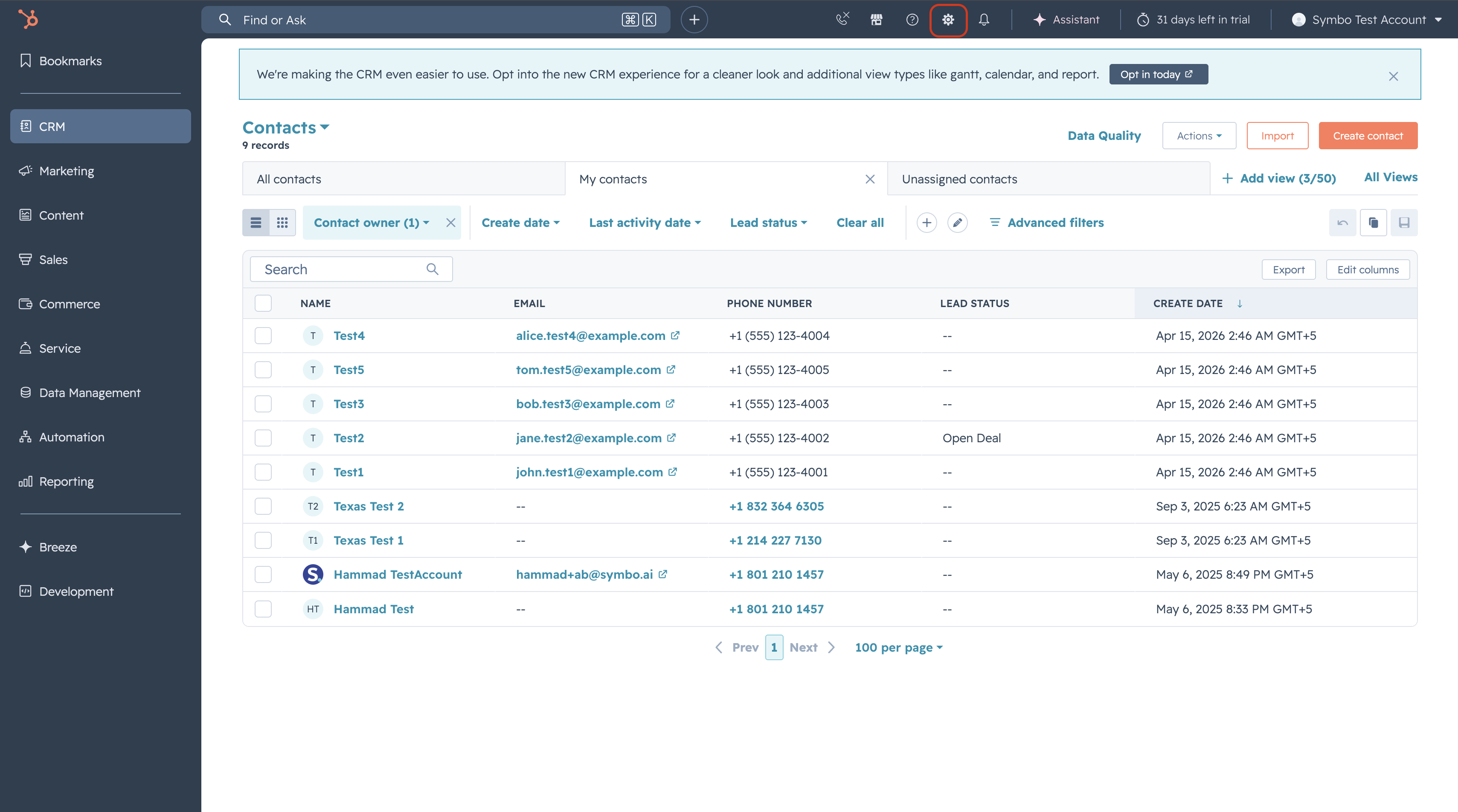
Click the Settings icon (gear icon) in the top navigation bar of your HubSpot account.
Step 2: Go to Connected Apps
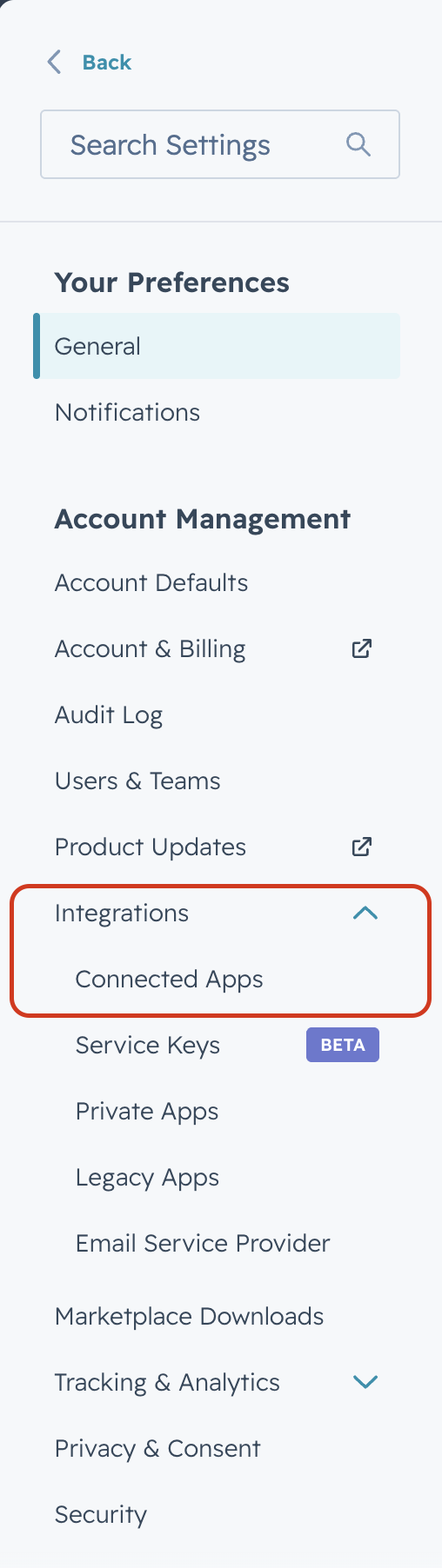
In the left sidebar, navigate to Integrations, then click Connected Apps.
Step 3: Open Symbo Sales Dialer Settings
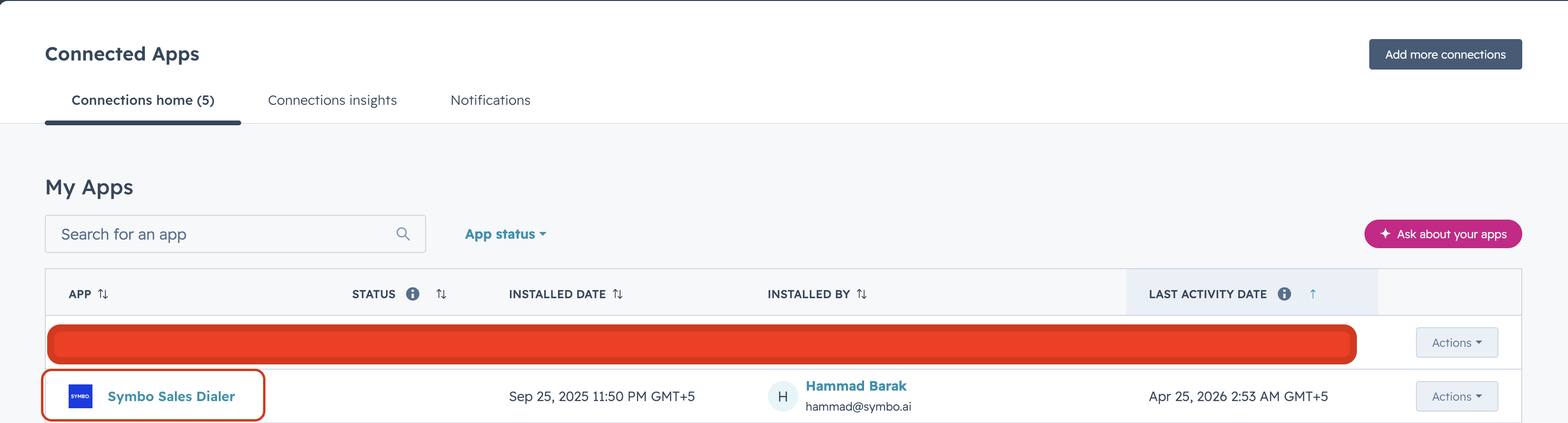
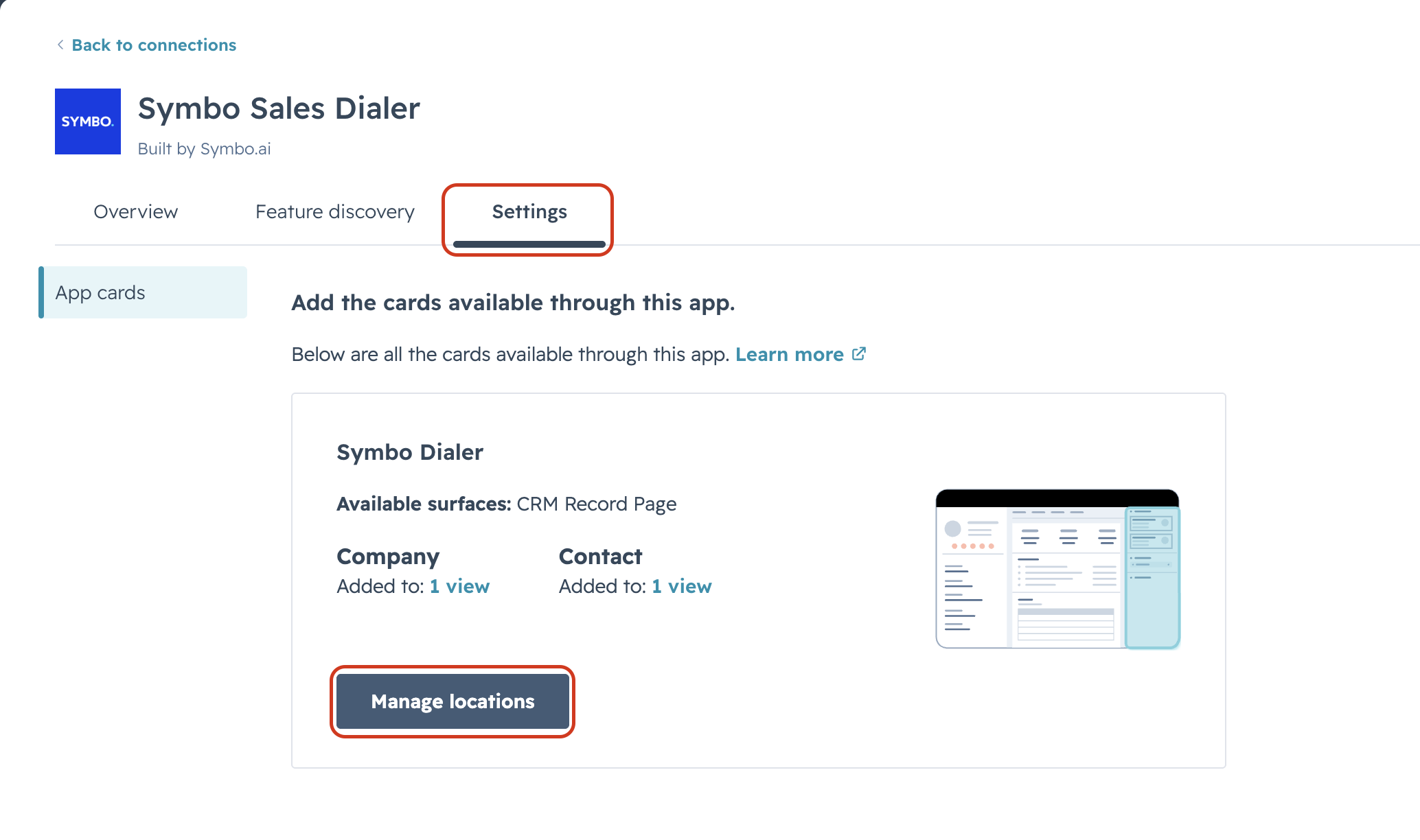
Find Symbo Sales Dialer in your list of connected apps and click on it. Then click Settings.
Step 4: Manage Card Locations
Click Manage location. You will see a list of available views where the Symbo Dialer card can be displayed.
Step 5: Enable the Card Views
Enable the card for the following views:
- Contacts
- Companies
Toggle both on to ensure the Symbo Dialer card appears on your contact and company records.
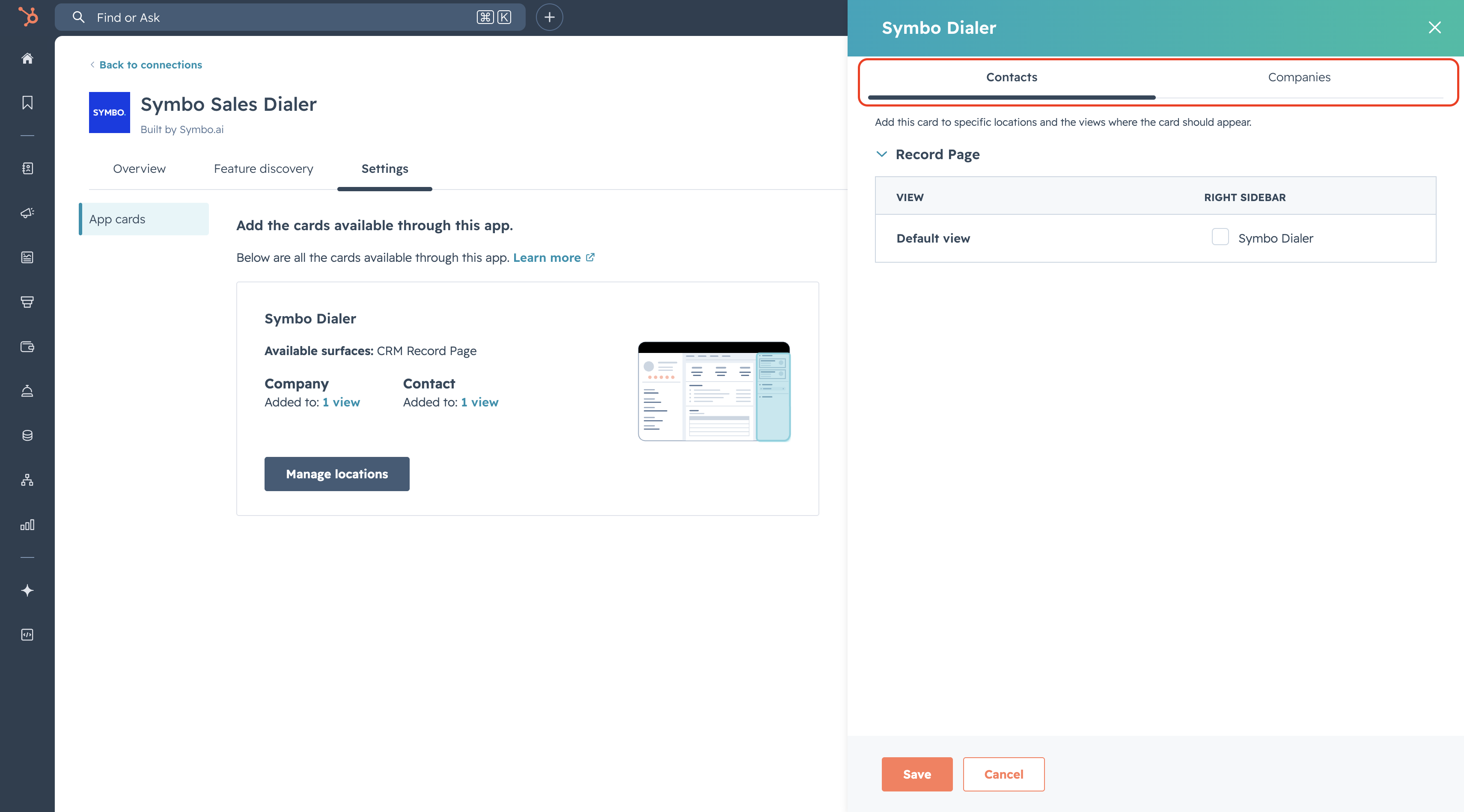
Step 6: Save
Save your changes. The Symbo Dialer card will now appear in the sidebar on all contact and company records.
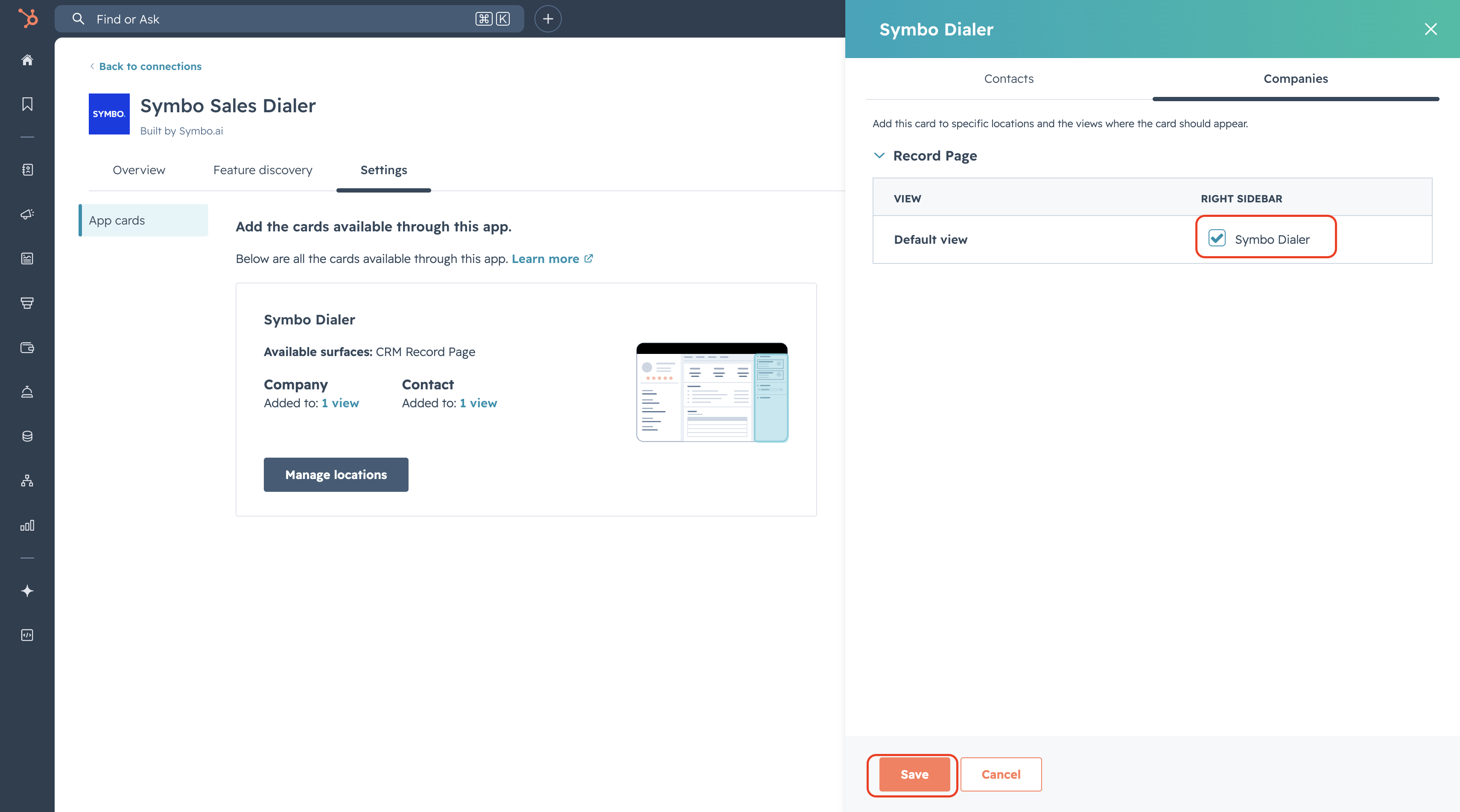
Troubleshooting
I don't see Symbo Sales Dialer in Connected Apps Make sure the Symbo Sales Dialer app is installed in your HubSpot account. Contact your HubSpot admin to verify the installation.
The card appears but shows an error Try refreshing the page. If the issue persists, contact support at [email protected].
Need help? Reach out to us at [email protected] or visit help.symbo.ai.